






Kusursuz tarama ve hassas sonuçlar
Freescan Yazılımları

FreeScan ile Verimliliği Artırın

Adım Adım Kılavuz

Gerçek Zamanlı Ağ

Veri Kalitesi Görselleştirme

Patentli Video Fotogrametrisi

Kolaylaştırılmış İş Akışı

Değişken Nokta Mesafeleri

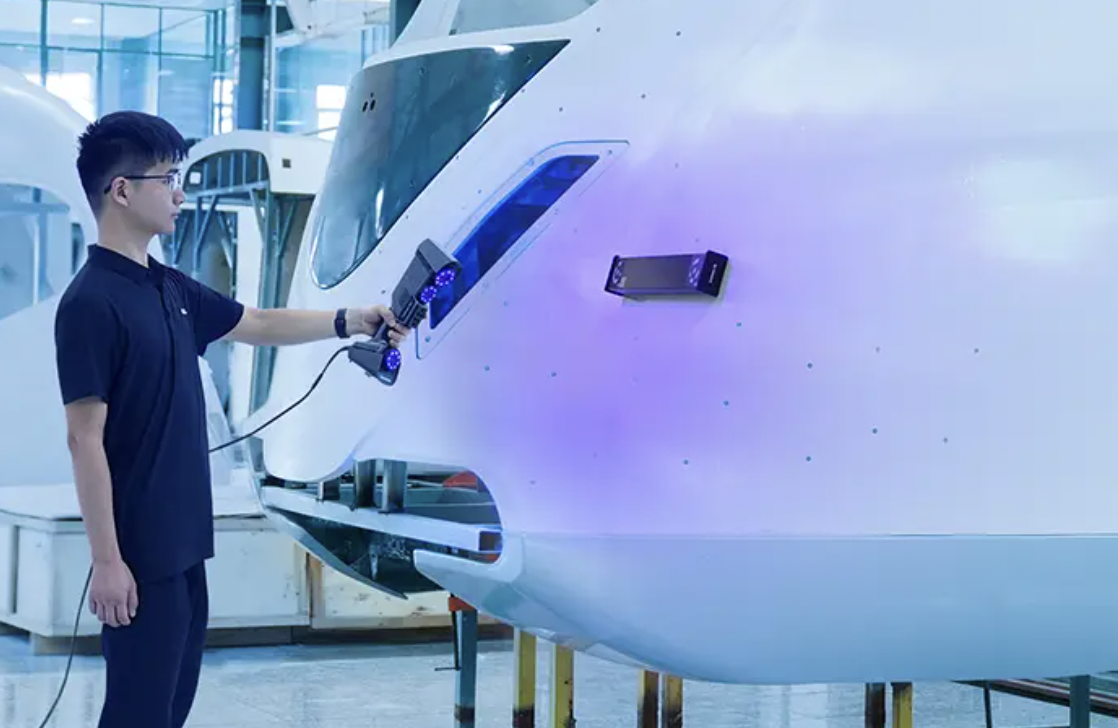
Video Fotogrametrisi (VPG)
Video fotogrametrisi , 0,02 + 0,015 mm/m'ye kadar olağanüstü bir hacimsel doğruluk sağlayabilir . İşaretleyicileri ve sadece bir manyetik ölçek çubuğunu yerleştirerek, FreeScan Trio ve FreeScan UE Pro2 küresel işaretleyicileri hızla optimize edecektir.
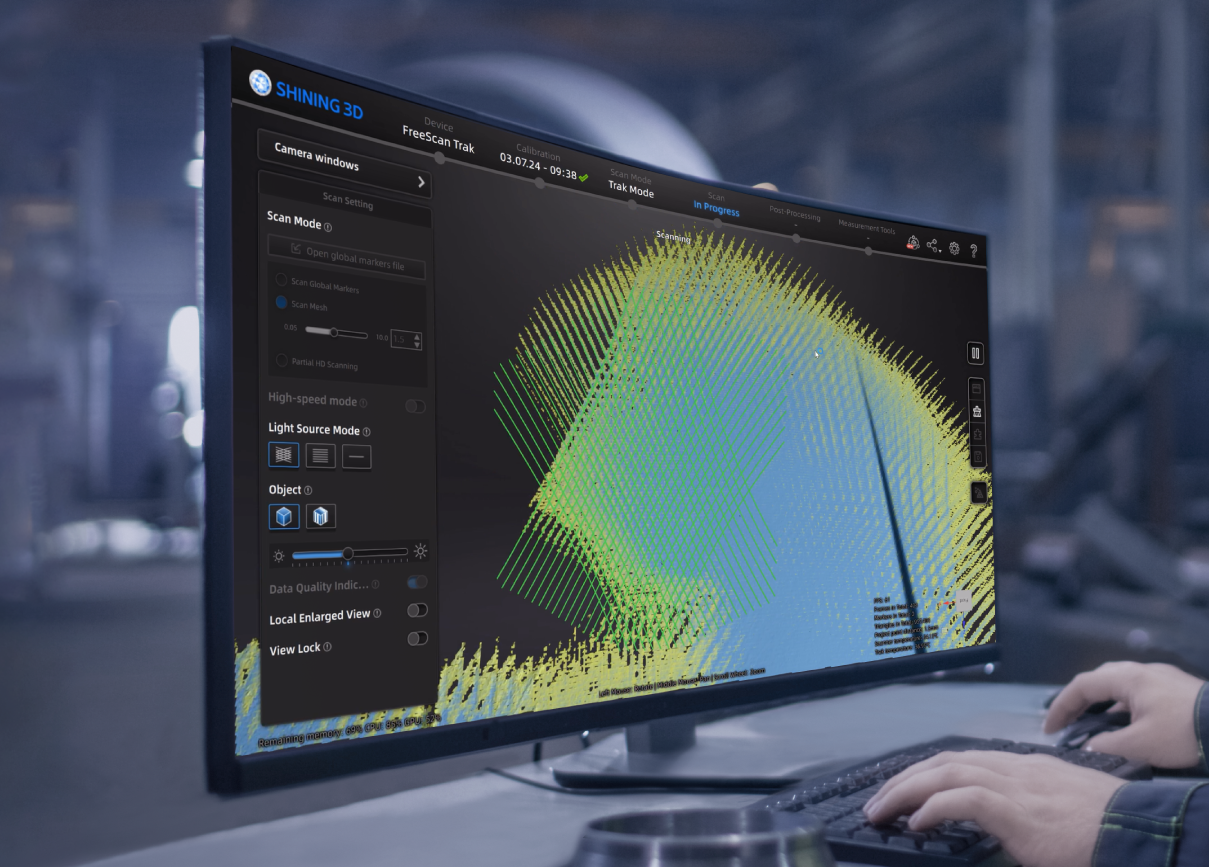
Veri Kalitesi Göstergesi
Veri kalitesi göstergesi, taranan veri bütünlüğünün daha iyi bir görsel temsilini sağlayarak, birden fazla amaç için mükemmel verileri yakalamanıza yardımcı olur.
Sarı bölüm : Yetersiz veri, daha fazla tarama gerekiyor.
Mavi bölüm : Yeterli veri.
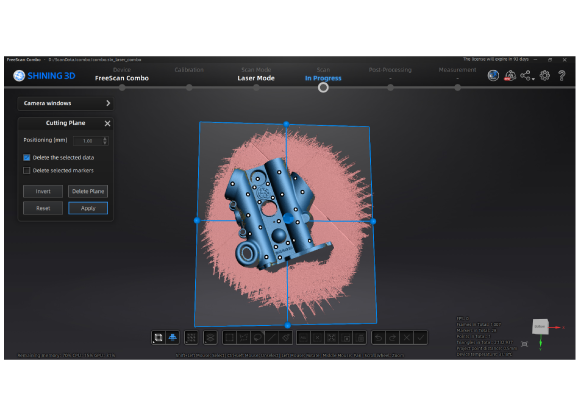
Kesme Düzlemi
Bu işlev, kullanıcıların tarama işaretleyici modunda veya tarama verilerinde kesim planlarını kaydetmelerine olanak tanır. Bu kesim düzlemleri, işaretleyici verileriyle birlikte işaretleyici dosyasına kaydedilebilir. Bu özellik, benzer nesneleri birkaç kez incelerken ve belirli bölgelerden veri hariç tutmanız gerektiğinde kullanışlıdır.
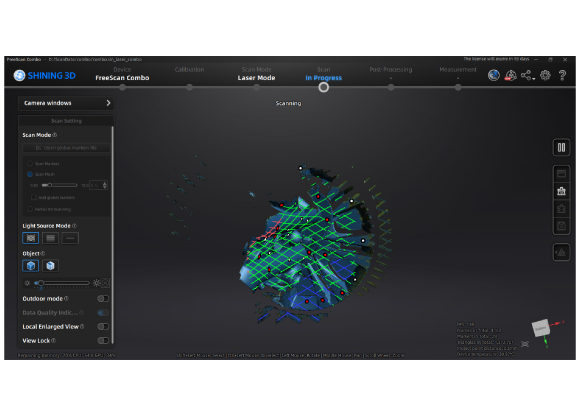
Lazer Çizgi Renk Göstergesi
Bu iyileştirme sayesinde, lazer çizgisinin rengi taranan nesnenin yakınlığına göre ayarlanır: kırmızı çok yakınlığı, yeşil optimum mesafeyi ve mavi çok uzaklığı temsil eder. Bu görsel gösterim, tarama işlemi sırasında uygun çalışma mesafesini sezgisel olarak kontrol etmenize yardımcı olur.


